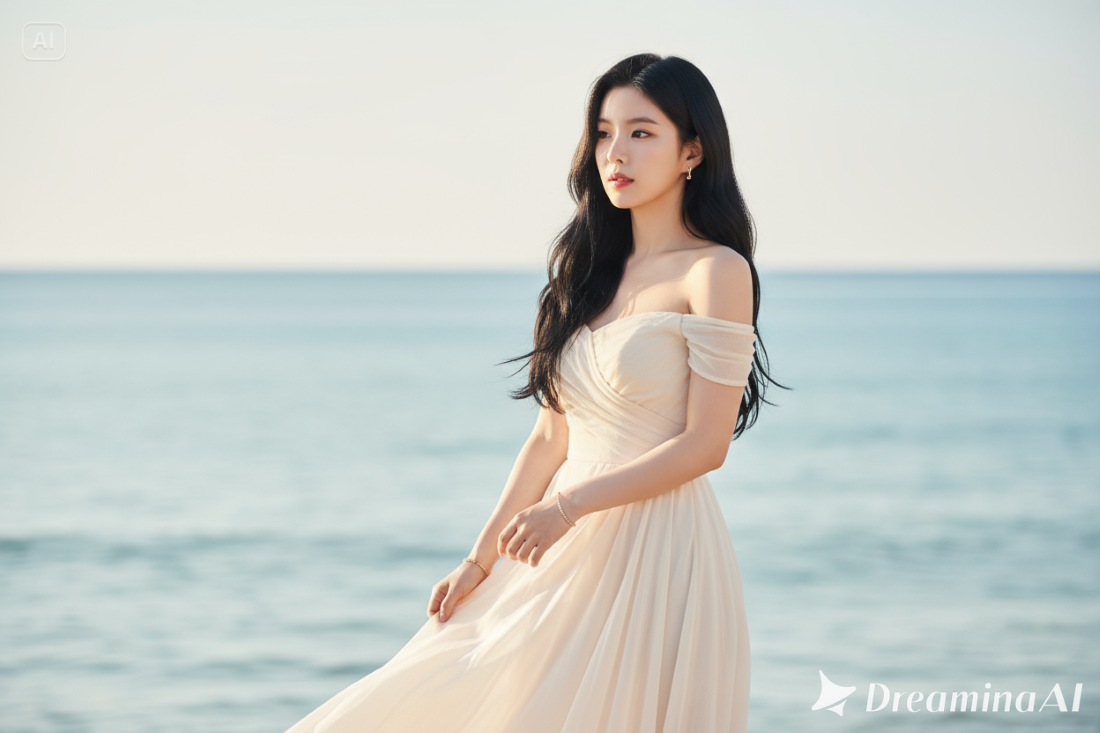
Jawa Pos Radar Madiun - Golden hour atau waktu di sekitar matahari terbit dan terbenam selalu menghasilkan cahaya yang lembut dan hangat.
Banyak orang suka foto di momen ini karena efek cahayanya bikin wajah terlihat glowing alami.
Tapi kalau foto kamu belum maksimal, kamu bisa mengeditnya dengan Gemini AI hanya dengan prompt yang tepat.
Hasilnya bisa terlihat realistis, estetik, dan bahkan seperti hasil kamera mahal, padahal cuma modal HP!
1. Potret Close-Up dengan Latar Belakang Bokeh
Transform this into a high-resolution portrait shot as if with an 85mm f/1.4 lens. Apply cinematic golden hour lighting. Create an extremely creamy, bright bokeh effect on the background. Ensure my face is tack-sharp. Keep my face 100% same as reference.
2. Tampilan Fashion atau Editorial
Change this photo into a fashion editorial shot during golden hour. Apply soft golden hour sunlight that highlights my skin tone and outfit with crisp detailing. Create a cinematic depth of field. Keep my face exactly the same as the uploaded photo.
3. Gaya Retro atau Film Look
Apply a retro 90s movie feel to this photo, combined with a cinematic, golden-hour lighting style. Add subtle film grain and warm, dreamy tones. Keep my facial features 100% same as the reference.
4. Potret di Kafe (Pencahayaan Jendela)
Edit this photo of me sitting in a cafe. Add warm, golden hour light streaming through the window, illuminating the scene. Create a cozy, intimate atmosphere with soft shadows. Keep my face 100% identical.
5. Foto Jalanan (Street Photography) di Kota
Apply a cinematic golden hour effect to this street photo. The sunlight should create long, dramatic shadows on the pavement. Add warm, vibrant colors to the sky and reflections on buildings. Keep my face and outfit 100% unchanged.
6. Potret Close-Up dengan Latar Belakang Bokeh
Transform this into a high-resolution portrait shot as if with an 85mm f/1.4 lens. Apply cinematic golden hour lighting. Create an extremely creamy, bright bokeh effect on the background. Ensure my face is tack-sharp. Keep my face 100% same as reference.
7. Tampilan Sinematik di Pantai
Transform this image into a cinematic beach portrait during golden hour. The sunlight should kiss my skin with a warm glow. The waves in the background should reflect orange and pink hues. Keep my face 100% same as reference.
8. Efek Backlit (Cahaya dari Belakang) yang Dramatis
Edit this portrait to be dramatically backlit by a vibrant golden hour sunset. Create a warm, glowing halo effect around my hair. Ensure my face remains clear with deep, soft shadows. Keep my facial structure 100% identical. (naz)
Editor : Mizan Ahsani